


You walk into a System Design interview, and the interviewer asks you to design Google Drive. Your mind races through storage systems, distributed databases, and synchronization protocols. The challenge feels enormous because Google Drive handles billions of files across hundreds of millions of users, yet delivers near-instant sync across every device. What separates candidates who stumble from those who impress is not memorizing a perfect answer but demonstrating structured thinking about how large-scale storage systems actually work.
This guide breaks down Google Drive System Design into digestible components. These include file storage with chunking and deduplication, metadata management for fast lookups, real-time synchronization across devices, granular permission systems, and the scaling strategies that make it all work at planetary scale. You will learn to reason through each layer, articulate trade-offs clearly, and present a cohesive design that demonstrates both technical depth and practical engineering judgment. By the end, you will understand not just what to propose but how to justify every decision under interview pressure.
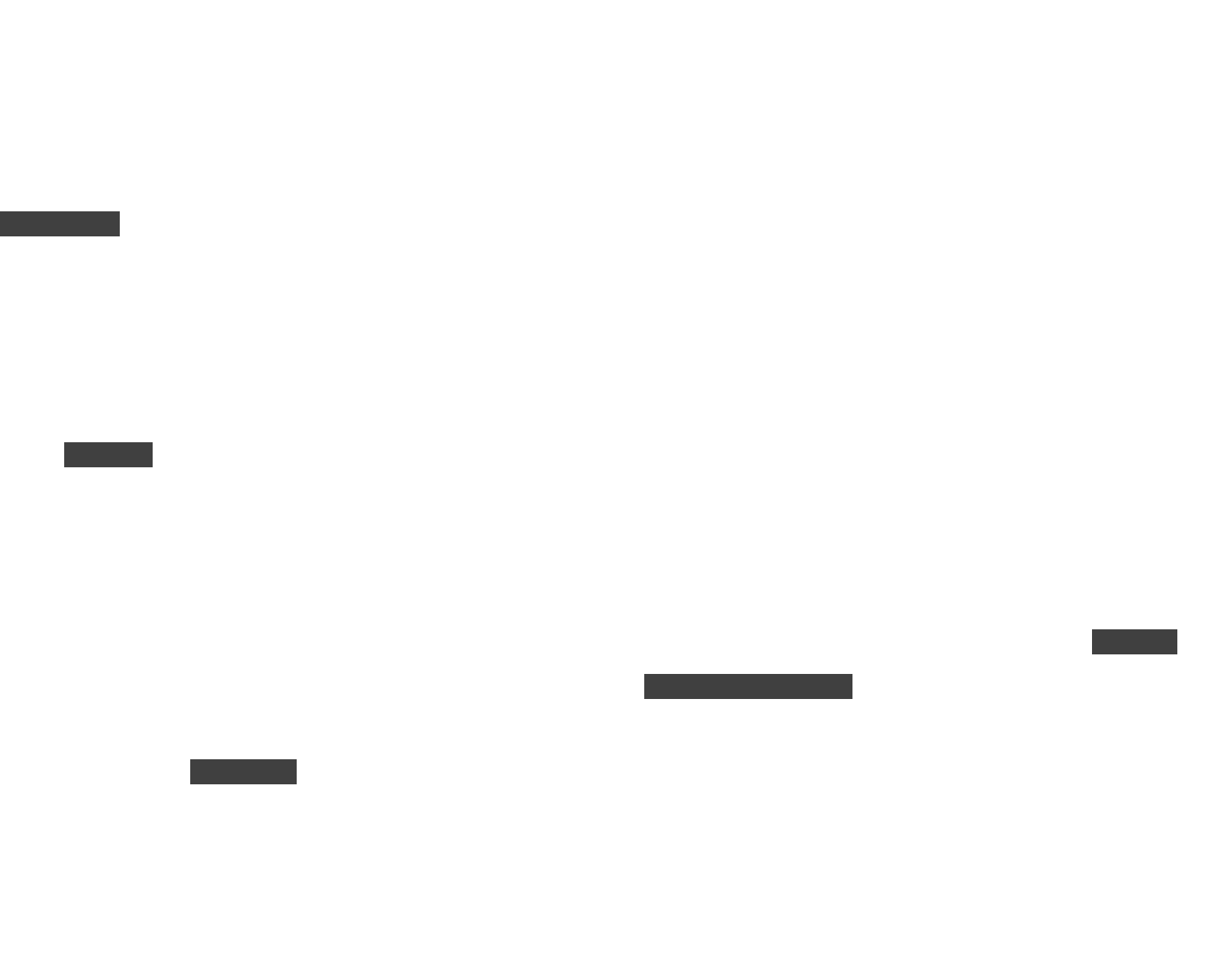
The following diagram illustrates the high-level architecture of a Google Drive-like system, showing how clients interact with the various backend services.
Understanding the core requirements
Before drawing a single box or proposing any component, you must demonstrate that you understand what the system needs to accomplish. Interviewers evaluate whether you can distinguish between features users interact with directly and the underlying system properties that determine reliability at scale. Rushing into architecture without clarifying requirements signals inexperience and often leads to designs that miss critical constraints.
Your Google Drive System Design must support several essential user-facing capabilities. Users need to upload and download files of any size, from small documents to multi-gigabyte video files. They expect to create folders and organize files into hierarchical directory structures that mirror how they think about their data. Basic file operations like renaming, moving, and deleting must work reliably.
Preview functionality for documents and images saves users from downloading files just to see their contents. Sharing files with granular permissions including view, edit, and comment access is fundamental to collaboration. Shareable links with configurable access controls enable easy distribution. Real-time synchronization across web, mobile, and desktop clients means changes appear everywhere within seconds. Finally, version history lets users recover from mistakes by retrieving older versions of files.
The non-functional requirements determine how your system behaves under real-world conditions. High availability means users expect access to their files at any time, targeting 99.99% uptime or better. Durability guarantees that files never get lost or corrupted, typically measured in eleven nines (99.999999999%). Low-latency metadata lookups ensure folder browsing and file searches feel instant.
Horizontal scalability supports billions of stored objects without architectural changes. Cost efficiency matters enormously when storing petabytes of data, making optimizations like deduplication and tiered storage essential.
Pro tip: State your assumptions explicitly at the start of your interview answer. Mention maximum file size (perhaps 5-10 GB), expected read-to-write ratio (typically 5:1 or higher), hot versus cold access patterns, and multi-device usage. This demonstrates structured thinking before you touch the whiteboard.
With requirements clearly articulated, you can now walk through the architectural components that work together to deliver these capabilities.
High-level architecture overview
A well-designed cloud storage system separates concerns into distinct services that can scale and evolve independently. Each component handles a specific responsibility, communicating through well-defined interfaces. This modularity allows you to optimize individual pieces without disrupting the entire system and enables teams to work on different components simultaneously.
The API Gateway serves as the entry point for all client requests including file uploads, downloads, rename operations, permission changes, and sync updates. It handles authentication to verify user identity, authorization to check permissions, and rate limiting to protect backend services from abuse. The gateway routes requests to appropriate downstream services and provides a consistent interface regardless of which client platform initiates the request.
The Upload and Download Service manages the actual transfer of file data. For uploads, it receives file content from clients, orchestrates chunking of large files, coordinates storage of chunks, and handles resumable uploads so users do not lose progress when connections drop. For downloads, it retrieves chunks from storage, reassembles them, and streams content back to clients. This service interacts directly with the storage backend and must handle massive throughput efficiently.
The Metadata Service functions as the brain of the entire system. It tracks file identifiers, names, folder hierarchies, ownership, permissions, timestamps, version history, and the mapping between files and their constituent chunks. Every operation requires metadata lookup, making this service critical for performance. Unlike file chunks which can tolerate eventual consistency, metadata operations require strong consistency because users expect immediate correctness when they rename files or change permissions.
Watch out: Many candidates underestimate metadata service complexity. Metadata operations dominate system load because users browse folders and search files far more frequently than they upload or download. A slow metadata layer makes the entire system feel sluggish regardless of how fast your storage backend performs.
The Chunk Storage Service, typically built on distributed object storage, holds the actual file content split into chunks. Object storage provides high durability through replication, infinite horizontal scalability, low cost for large data volumes, and automatic management of storage infrastructure. Chunking enables parallel uploads, resumable transfers, and deduplication across users.
The Sync Service coordinates updates across all devices belonging to a user. It maintains change logs that track every modification and notifies subscribed clients when files change. This service handles the complex problem of keeping multiple devices consistent even when they go offline and reconnect with pending changes.
The Notification and Event System generates real-time updates for syncing, permission changes, version updates, and new uploads. It powers the instant feedback users expect when collaborators make changes. The Access Control and Permissions Service ensures users only access files they have permission to view or modify, enforcing access control lists quickly and securely by integrating tightly with the metadata layer.
Understanding how files are stored and managed at scale requires diving deeper into the storage layer architecture.
File storage layer with chunking, hashing, and replication
Storing massive files efficiently presents one of the first major challenges in cloud storage design. Users expect to upload gigabytes effortlessly, resume interrupted transfers, and share files instantly. A naive approach storing files as monolithic objects fails at scale because large files are slow to transfer, expensive to re-upload when partially modified, and difficult to distribute across storage infrastructure. The storage layer architecture directly impacts upload speed, storage costs, and system resilience.
Chunking large files for efficiency
Chunking breaks large files into smaller pieces, typically 4 MB to 8 MB each, that can be handled independently. This seemingly simple technique enables several critical capabilities. Chunks can upload in parallel across multiple connections, dramatically improving transfer speeds for large files. When connections drop mid-upload, only the incomplete chunk needs retransmission rather than the entire file.
If a user modifies part of a large file, only the changed chunks require re-upload. Identical chunks across different users or files can be deduplicated, reducing storage costs significantly. Finally, chunks can distribute across multiple storage servers, improving resilience and enabling horizontal scaling.
The following diagram shows how a large file gets split into chunks that are then processed and stored across distributed storage nodes.
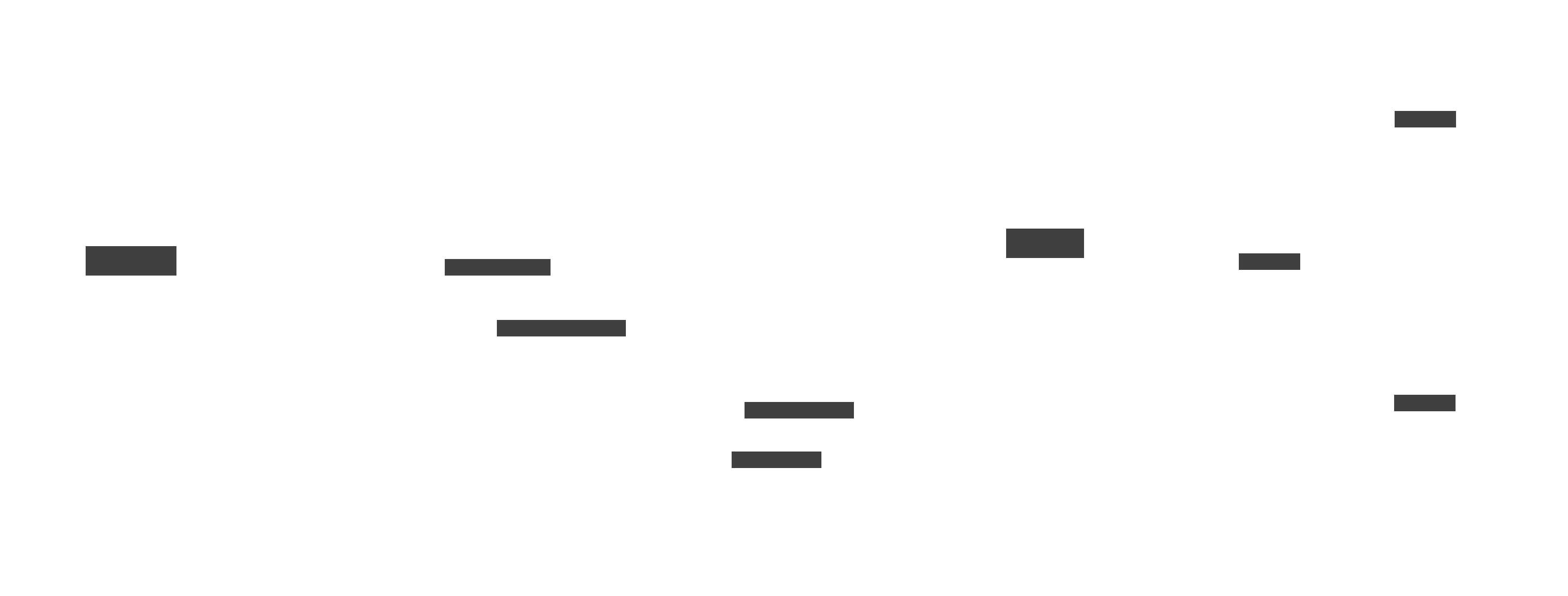
Content hashing using algorithms like SHA-256 generates a unique fingerprint for each chunk based on its contents. When a client prepares to upload a chunk, it first sends the hash to the server. If that hash already exists in storage, the upload can be skipped entirely because an identical chunk is already available.
This deduplication saves both bandwidth and storage costs. Content hashing also enables integrity verification since the hash can confirm that downloaded chunks match what was originally stored. For more sophisticated change detection in files that shift content around, rolling hash algorithms like Rabin fingerprinting can identify matching segments even when their positions change.
Real-world context: Dropbox reported that deduplication saves them enormous storage costs because many users store identical files like popular software installers, common documents, or shared media. A single stored copy serves all users who have that content.
Object storage and replication strategies
Chunks persist in distributed object storage designed for durability that approaches eleven nines. Object storage systems handle replication automatically, spreading copies across multiple disks, servers, and data centers. They scale horizontally by simply adding more storage nodes without architectural changes. The cost per gigabyte remains low because object storage optimizes for capacity rather than random access performance.
Replication strategies differ based on requirements. Synchronous replication writes data to multiple locations before acknowledging success, providing strong durability guarantees but adding latency. This approach works well for metadata where consistency matters more than speed. Asynchronous replication acknowledges writes immediately and propagates copies in the background, offering better performance with eventual consistency that suits chunk storage where slight delays are acceptable. Geographic replication distributes data across regions, protecting against regional outages and reducing latency for users in different locations.
Erasure coding provides an alternative to simple replication that reduces storage overhead. Instead of storing three complete copies of each chunk, erasure coding splits data into fragments with additional parity fragments. The original data can be reconstructed from any sufficient subset of fragments, typically requiring fewer total fragments than triple replication while maintaining comparable durability. The trade-off involves increased computational cost for encoding and decoding.
With the storage layer handling file content efficiently, the next critical component manages all the information about those files.
Metadata service as the heart of the system
If chunk storage forms the body of your cloud storage system, metadata is unquestionably the brain. Interviewers focus heavily on metadata architecture because it determines user experience more directly than any other component. Every file operation requires metadata lookup, from browsing folders to checking permissions to initiating downloads. The metadata service must be fast enough to make the interface feel responsive, consistent enough to prevent confusing behavior, and scalable enough to handle billions of files.
What metadata tracks and why consistency matters
The metadata database maintains comprehensive information about every file and folder in the system. Each entry includes a unique file identifier, the user-visible name, the position within the folder hierarchy, ownership information, creation and modification timestamps, version history linking to previous states, the list of chunk hashes and their storage locations, access control lists defining who can access the file, sharing configuration, and soft delete flags for trash functionality. This data structure supports every query users make when interacting with their files.
Unlike file chunks where eventual consistency is acceptable, metadata operations demand strong consistency. When a user renames a file, the change must appear immediately everywhere. When someone revokes sharing permissions, the system must not allow stale access through any path. When a collaborator receives edit access, they should see the file right away without waiting for replication delays. Strong consistency typically comes from distributed databases that use consensus protocols to ensure all nodes agree on the current state before acknowledging operations.
Historical note: Early file systems stored metadata on the same disks as file content, creating bottlenecks that prevented scaling. The separation of metadata into dedicated services was a key innovation that enabled cloud storage to scale to billions of files.
Partitioning metadata across multiple database nodes prevents any single node from becoming a bottleneck. Common sharding strategies include partitioning by user identifier so all files for a user live on the same shard, partitioning by file identifier to distribute load more evenly, or partitioning by top-level folder to keep related files together. Each approach involves trade-offs between query patterns, hot spots, and cross-shard operations.
Indexing and directory structure performance
Users expect instant search results and fast folder browsing, requiring carefully designed indexes beyond the primary data. Secondary indexes on file names enable search functionality. Indexes on timestamps support sorting by modification date. Owner indexes allow queries like showing all files shared with a specific user. These indexes must update synchronously with the primary data to maintain consistency.
Directory structures present particular challenges because folders can nest deeply and contain massive numbers of items. Naive implementations that recursively traverse folder hierarchies become prohibitively slow for deep structures. Efficient designs store path information that enables direct lookups without traversal, or use materialized paths that encode the full hierarchy in each file’s metadata. When users move folders containing thousands of files, the system must update paths efficiently without blocking other operations.
The comparison between relational and non-relational databases for metadata storage involves significant trade-offs worth discussing in interviews.
| Aspect | SQL/Relational | NoSQL/Document |
|---|---|---|
| Schema flexibility | Rigid schema, migrations required | Flexible schema, easier evolution |
| Complex queries | Rich joins and aggregations | Limited join support |
| Consistency | Strong ACID guarantees | Varies, often eventual |
| Horizontal scaling | More complex sharding | Built-in distribution |
| Hierarchical data | Requires careful modeling | Natural nested documents |
In-memory caching dramatically improves metadata access times for frequently accessed data. Hot metadata like recently viewed folders and popular shared files should live in cache. Cache invalidation must happen immediately when metadata changes to prevent stale reads. A common pattern uses write-through caching where updates modify both cache and database together, ensuring consistency while maintaining read performance.
With metadata providing the information backbone, the next challenge involves keeping that information synchronized across all user devices.
Sync service and real-time updates
Real-time synchronization creates the seamless experience users associate with modern cloud storage. When you edit a document on your laptop, the change should appear on your phone within seconds. Achieving this at scale requires careful engineering of change tracking, notification delivery, and conflict resolution. The sync service handles the complex choreography of keeping multiple devices consistent even when network conditions vary and users work offline.
Change logs and notification strategies
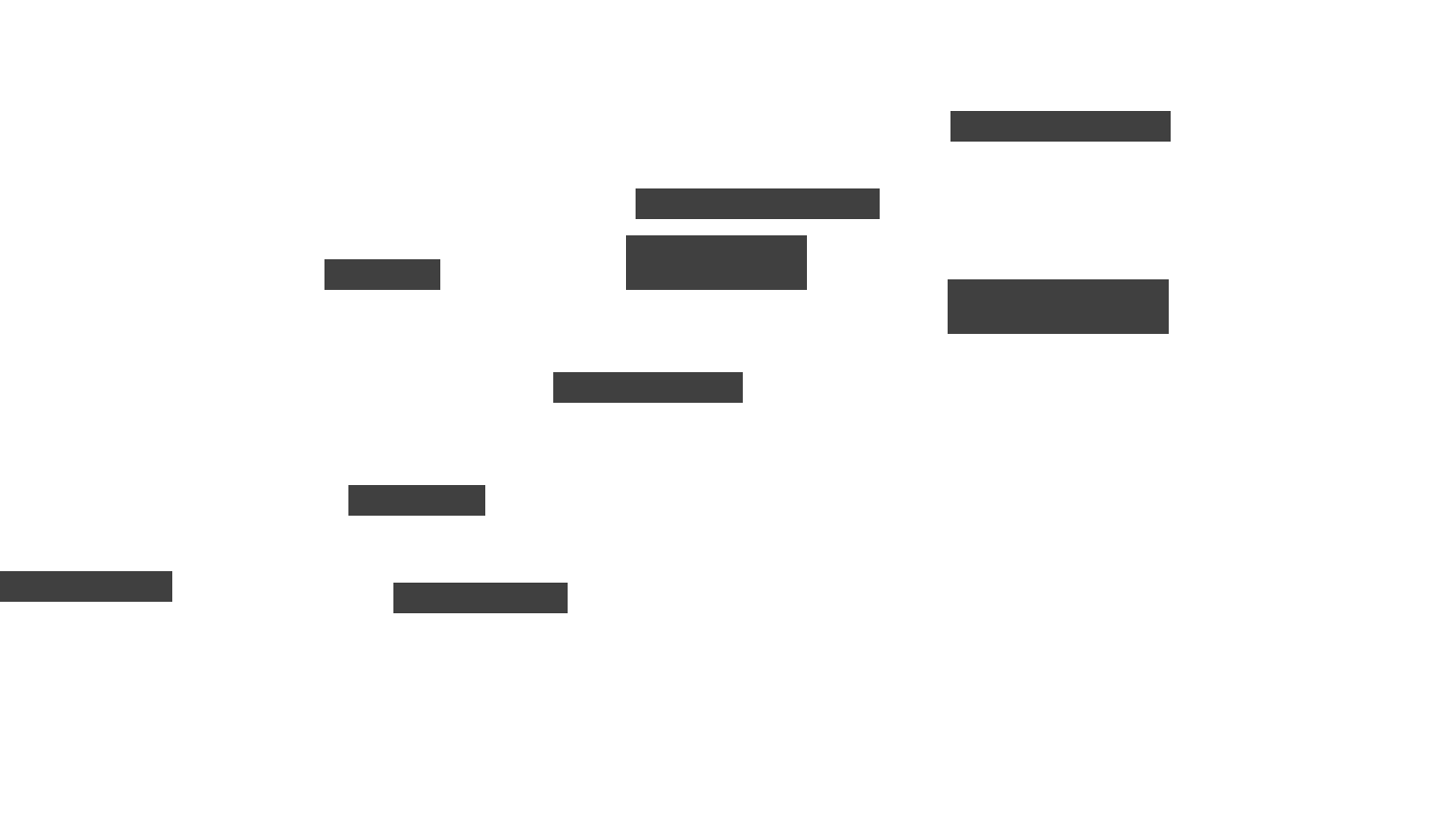
The foundation of synchronization is an ordered log of every change in the system. Each entry records what changed, when it changed, who made the change, and a sequence number that establishes ordering. Changes include file uploads, modifications, renames, deletions, permission updates, and version creations. Clients track the last sequence number they processed and request all subsequent changes to catch up when reconnecting.
Delivering change notifications to clients can follow two primary strategies with different trade-offs. Polling has clients periodically ask the server for new changes, offering simplicity and easy scaling but introducing latency between changes and awareness. Push notification uses persistent connections like WebSockets to deliver updates immediately, providing near-instant sync but requiring infrastructure to maintain millions of concurrent connections. Most production systems use a hybrid approach where push notifications alert clients to changes immediately while periodic polling ensures nothing gets missed if push delivery fails.
Pro tip: When discussing sync in interviews, emphasize that you would use delta updates rather than full file transfers. Sending only changed metadata and modified chunks reduces bandwidth dramatically, especially for large files with small modifications.
Offline mode and conflict resolution
Users frequently edit files while disconnected from the network, creating complexity when they reconnect. The client must cache pending operations locally, assigning provisional identifiers and sequence numbers. Upon reconnection, the client synchronizes its pending changes with the server, which must merge these updates with any changes that occurred from other devices during the offline period.
Conflicts arise when multiple devices modify the same file before synchronization completes. Several resolution strategies exist with different trade-offs. Last writer wins uses timestamps to determine which change takes precedence, offering simplicity but potentially losing data. Version branching creates parallel versions that users can review and merge manually, preserving all changes but adding complexity.
Automatic merging using operational transforms or conflict-free replicated data types enables real-time collaborative editing like Google Docs, but requires sophisticated algorithms. For general file storage rather than collaborative documents, creating conflict copies with names like “filename (conflicted copy)” preserves both versions and lets users resolve the situation manually.
Watch out: Many candidates mention CRDTs or operational transforms without understanding when they apply. These techniques work for structured data like text documents or spreadsheets where operations can be decomposed and reordered. Binary files like images or executables typically require simpler conflict handling because their operations cannot be meaningfully merged.
Beyond synchronization, sharing files securely with controlled permissions presents another layer of complexity.
File sharing and permission model
Sharing transforms cloud storage from personal backup into a collaboration platform. Users expect intuitive controls for granting access while administrators need confidence that permissions cannot be bypassed. Architecting a secure, scalable permission system requires careful attention to access control data structures, inheritance rules, and performance optimization for permission checks that happen on every operation.
Access control lists and permission types
Every file and folder maintains an access control list specifying who can perform what actions. Permission types typically include view for read-only access, comment for adding annotations without editing, edit for full modification rights, and owner for complete control including the ability to reshare and delete. These permissions can apply to individual users, groups of users, entire organizational domains, or anyone with a special link.
The ACL structure stores entries containing the principal (user ID, group ID, or special designator), the permission level granted, inheritance rules indicating whether permissions propagate to children, expiration timestamps for time-limited access, and audit information tracking when and by whom access was granted. These ACLs integrate tightly with the metadata service because permission checks must happen before allowing any operation.
Shareable links provide convenient access without requiring recipients to have accounts or be explicitly added to ACLs. The system generates unique tokens that map to temporary permission entries. These tokens should be long enough to prevent guessing, support expiration, and allow revocation. Link access gets logged for security auditing, and rate limiting prevents abuse through automated scanning.
Permission inheritance and performance
Folder permissions typically propagate to all contents, creating inheritance chains that can extend many levels deep. When a user requests access to a file, the system must evaluate permissions on the file itself and potentially every ancestor folder. This recursive evaluation becomes expensive for deeply nested structures.
Two main strategies address this challenge. Computing permissions dynamically traverses the inheritance chain on each access check, ensuring accuracy but adding latency proportional to nesting depth. Storing permissions explicitly materializes inherited permissions on each file, enabling fast checks but requiring updates whenever parent permissions change. Hybrid approaches cache computed permissions with invalidation when ancestors change, balancing accuracy and performance. Some systems use stream processing to propagate permission updates asynchronously while maintaining strong consistency for critical paths.

Real-world context: Enterprise deployments with complex organizational hierarchies can have files nested ten or more levels deep with different permission rules at each level. Optimizing permission checks for these scenarios significantly impacts perceived system responsiveness.
With core functionality covered, the next consideration involves making the system discoverable through search and managing historical versions.
Search, versioning, and data consistency
Users accumulate thousands of files over time and need efficient ways to find specific content. Version history provides safety nets for recovering from mistakes. Both capabilities require thoughtful engineering to deliver at scale while maintaining the consistency guarantees users expect.
Search and discovery capabilities
Search functionality extends beyond simple filename matching to enable users to find files based on various criteria. Metadata search covers file names, folder locations, owners, modification dates, file types, and custom labels. Content search indexes the actual text within documents, enabling queries that find files containing specific phrases even when filenames provide no hint. Tag and label search allows users to organize files with custom categorization.
Building search at scale requires indexing pipelines that process new and modified files, extracting searchable content and updating indexes. These indexes can be eventually consistent since slightly stale search results are acceptable as long as metadata queries remain strongly consistent. Search results benefit from caching since popular queries often repeat. The search service should integrate with permissions so users only see results they can access, requiring either pre-filtering or post-filtering of index results.
Version history and consistency models
Every file modification creates a new version entry containing a version number, timestamp, the user who made the change, and references to the chunk hashes comprising that version. Retention policies determine how long old versions persist, balancing storage costs against user needs for historical access.
Version storage can follow snapshot or differential approaches. Snapshots store complete chunk references for each version, enabling simple and fast restoration but consuming more storage when small changes create mostly-duplicate entries. Differential storage keeps only changed chunks between versions, dramatically reducing storage but complicating restoration since reconstructing older versions requires following a chain of changes. The choice depends on typical modification patterns and restoration frequency.
| Approach | Storage efficiency | Restore speed | Implementation complexity |
|---|---|---|---|
| Full snapshots | Lower (duplicate chunks) | Fast (direct access) | Simple |
| Differential | Higher (only changes) | Slower (chain traversal) | Complex |
| Hybrid | Moderate | Moderate | Moderate |
Pro tip: Mentioning immutable storage models impresses interviewers. Rather than overwriting existing data, updates create new versions while old data remains unchanged. This simplifies consistency guarantees, enables efficient caching, and prevents accidental data loss from bugs or attacks.
The consistency model for metadata versus file content deserves explicit discussion. Metadata requires strong consistency because users expect operations like renames and permission changes to take effect immediately and appear identically from all access points. File chunks can use eventual consistency since brief delays in chunk propagation are invisible to users as long as metadata correctly identifies which chunks comprise the current version. This separation allows optimizing each layer independently.
Building these features to work reliably at massive scale requires additional architectural considerations.
Scaling the system for performance, availability, and cost
Interviewers evaluate whether you can think beyond basic functionality to architect systems that handle millions of concurrent users storing billions of files. Google Drive scale involves petabytes of storage, tens of thousands of operations per second, and global distribution across continents. Demonstrating awareness of scaling challenges and strategies significantly strengthens your interview performance.
Performance optimization strategies
Multiple caching layers accelerate different access patterns. Client-side caching stores recently accessed metadata and file content locally, eliminating network round trips for repeated access. Edge caching through content delivery networks places popular files closer to users geographically, reducing download latency. Backend metadata caching keeps hot folder structures and permission data in memory. Search result caching avoids recomputing popular queries.
Upload and download performance improves through parallel chunk transfers that utilize available bandwidth efficiently, resumable protocols that recover gracefully from connection issues, and compression for compressible content types. Prefetching directory metadata before users navigate into folders creates the perception of instant responsiveness.
Watch out: Cache invalidation creates subtle bugs if not handled carefully. When metadata changes, all caches containing that data must update or invalidate immediately. Stale cache entries can cause users to see outdated information or even access files they no longer have permission to view.
Availability and disaster recovery
High availability requires eliminating single points of failure throughout the architecture. Metadata clusters use leader election protocols so another node can take over if the primary fails. Storage backends replicate data across multiple disks, servers, and data centers automatically. Load balancers distribute traffic across service instances and route around unhealthy nodes. Graceful degradation allows core functionality to continue even when secondary features like search temporarily become unavailable.
Geographic distribution serves both availability and performance goals. Data centers in multiple regions protect against regional outages from natural disasters or network partitions. Users connect to nearby regions for lower latency. Replication between regions must balance consistency requirements against the latency of cross-region synchronization.
Cost efficiency at scale
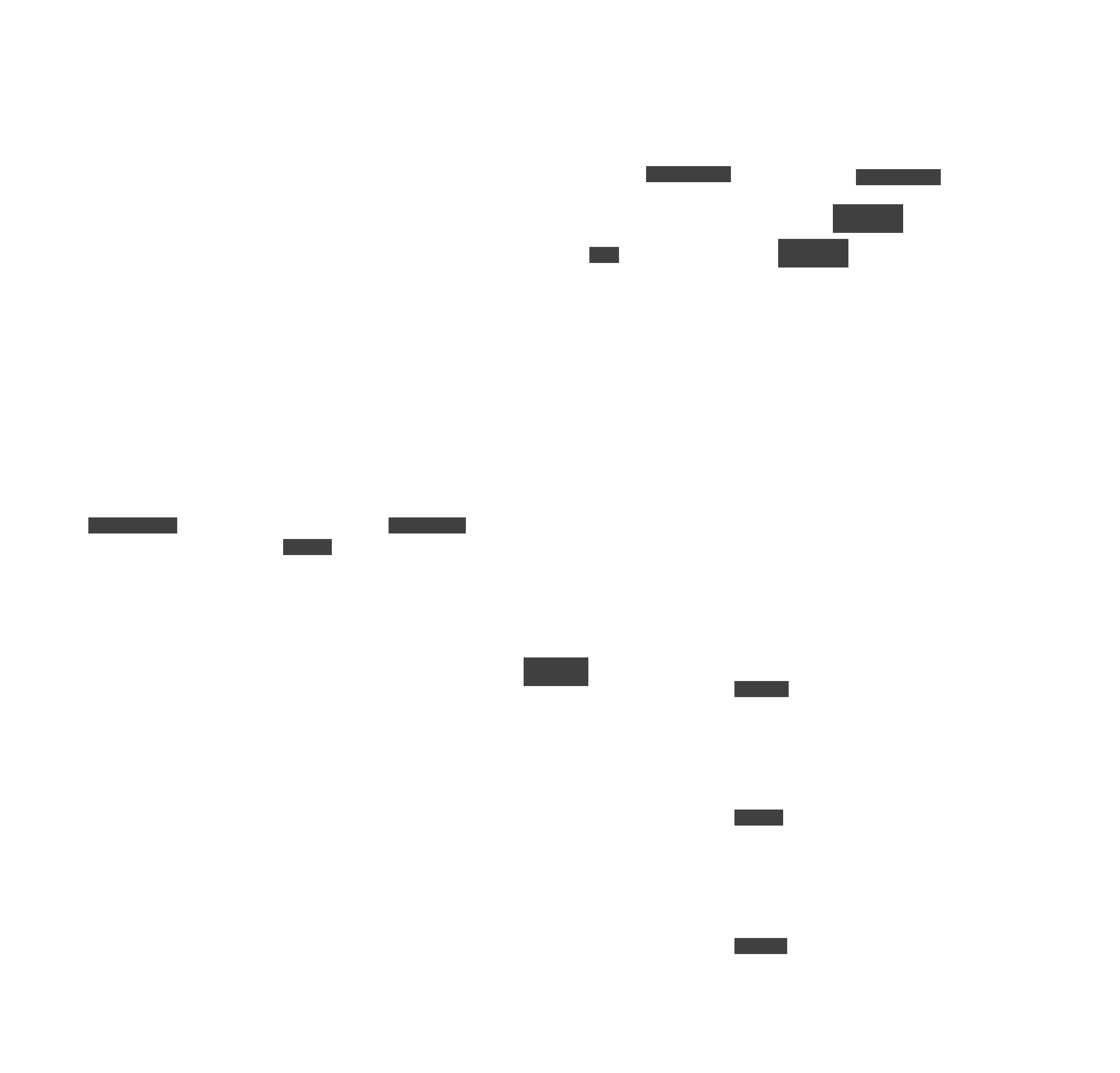
Storing petabytes of data makes cost optimization essential. Deduplication through content hashing avoids storing identical chunks multiple times, providing significant savings when many users store similar content. Tiered storage moves infrequently accessed files to cheaper cold storage while keeping hot data on faster media. Compression reduces storage requirements for compressible file types. Erasure coding reduces replication overhead while maintaining durability guarantees.
The following diagram shows how different storage tiers and optimization techniques work together to balance cost and performance.
Back-of-envelope calculations demonstrate scale awareness to interviewers. Consider a system with 500 million users, each storing an average of 5 GB across 1,000 files. That totals 2.5 exabytes of logical storage and 500 billion files. With 3x replication before deduplication and perhaps 40% deduplication savings, actual storage might be around 4.5 exabytes.
At 10% daily active users performing an average of 100 metadata operations and 5 file operations each, the system handles roughly 5 billion metadata queries and 250 million file operations daily. This translates to sustained throughput of 60,000 metadata QPS and 3,000 file operations per second with significant peak headroom required.
With all components understood, you can now walk through presenting a complete design in an interview setting.
End-to-end interview walkthrough
Presenting a cohesive, structured answer distinguishes candidates who understand systems deeply from those who have merely memorized component lists. This section demonstrates how to structure your interview response, walking through the complete flow while highlighting the trade-offs that impress interviewers.
Clarifying requirements and stating assumptions
Begin by asking clarifying questions rather than jumping into architecture. Ask about maximum supported file size, expected user base and growth trajectory, importance of versioning and how many versions to retain, permission model complexity, geographic distribution requirements, and any specific latency or availability targets. State assumptions explicitly such as targeting 100 million users, supporting files up to 10 GB, requiring version history for 30 days, and needing multi-region deployment.
Presenting architecture and workflows
Draw the high-level architecture showing major components. Include the API Gateway, Upload/Download Service, Metadata Service, Chunk Storage, Sync Service, Notification Engine, Access Control Service, and CDN for downloads. Keep the diagram clean with clear data flows rather than cramming in every detail.
Walk through specific workflows to demonstrate how components interact. For file upload, describe how the client splits the file into chunks, hashes each chunk, queries the server to identify which chunks already exist through deduplication, uploads only missing chunks in parallel, and finally commits metadata that references all chunks with version information. For download, explain how the client requests file metadata, receives the list of chunk hashes and locations, downloads chunks in parallel potentially from CDN, reassembles the file locally, and verifies integrity through hash validation.
Pro tip: When walking through workflows, explicitly mention what happens during failures. How does upload resume after connection drops? What happens if a storage node is unavailable during download? Discussing failure handling demonstrates production engineering experience.
Discussing scaling and trade-offs
After establishing the basic design, discuss how it scales. Explain metadata sharding strategies and why you chose user-based or file-based partitioning. Describe chunk replication and your choice between simple replication and erasure coding. Mention autoscaling for stateless services like upload handlers. Discuss CDN integration for reducing download latency globally.
Interviewers particularly value trade-off discussions. Compare strong versus eventual consistency and explain where each applies in your design. Discuss snapshot versus differential versioning and justify your choice based on expected usage patterns. Compare push versus polling synchronization and explain why a hybrid approach works best. Address replication versus erasure coding trade-offs between simplicity and storage efficiency.
Conclude by asking if the interviewer would like deeper detail on any specific component. This demonstrates confidence in your design while inviting the interviewer to explore areas they find interesting or want to probe further.
Conclusion
Designing a system like Google Drive tests your ability to decompose complex problems into manageable components, reason through trade-offs at each layer, and communicate technical decisions clearly. The storage layer with chunking, hashing, and replication provides durability and efficiency. The metadata service delivers the fast, consistent lookups that determine user experience. Synchronization keeps devices coordinated through change logs and notification strategies. Permission systems protect data through carefully designed access controls and inheritance rules. Scaling strategies from caching through geographic distribution ensure the system works for hundreds of millions of users.
Cloud storage systems continue evolving as users demand tighter collaboration features, better search and discovery, and seamless integration with AI-powered tools. Future designs will likely incorporate smarter conflict resolution that understands document semantics, more sophisticated tiering based on predicted access patterns, and enhanced security models that protect data even from infrastructure compromise. The fundamental architectural patterns you have learned here provide the foundation for understanding these advances.
The next time you face a cloud storage design question in an interview, remember that interviewers care less about perfect answers than clear thinking. Break the problem into components, state your assumptions, explain your choices, and discuss trade-offs honestly. That structured approach demonstrates the engineering judgment that gets candidates hired.
